ChatGPT Daybreak without a YubiKey
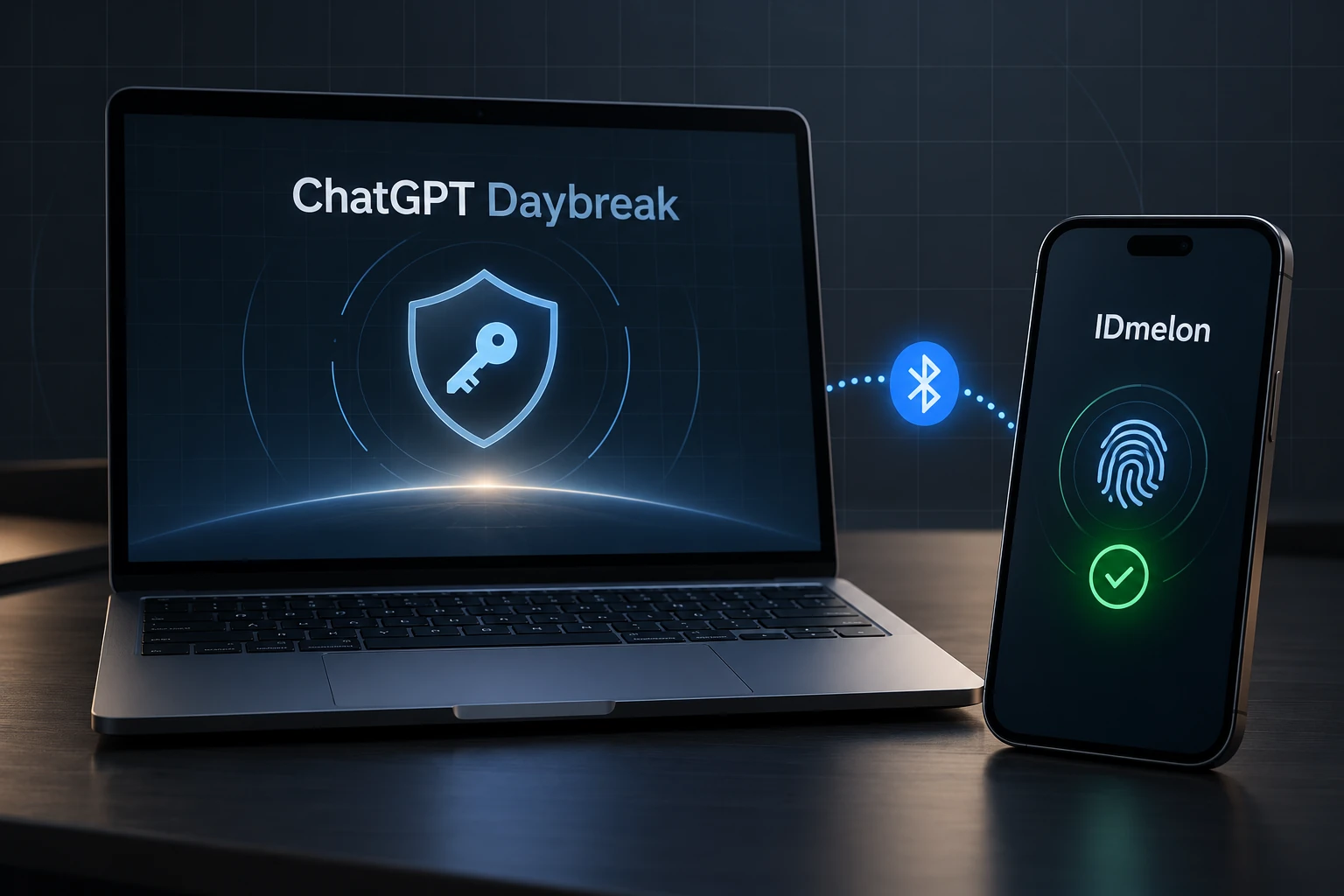
ChatGPT Daybreak’s onboarding asks you to enroll in Advanced Account Security, verify your identity, and set up your Daybreak keys. IDmelon Authenticator lets you use your existing Android phone or iPhone as a FIDO2 security key on your laptop. If Daybreak accepts it, you can avoid buying a separate YubiKey.
If the physical key you were planning to buy costs €40, that’s €40 saved, provided your IDmelon plan covers the credentials you need.
1. Install IDmelon Authenticator on Android or iOS
Download IDmelon Authenticator from Google Play on Android or the App Store on iPhone. Both official store links are available on the IDmelon downloads page.
2. Sign up and create your security key
Open the app and choose the personal account option. Sign up, verify your email address, and follow the prompts to create your security key.
Give it a recognizable name, such as “My phone”, so you can identify it during authentication. IDmelon’s mobile setup guide explains the process.
Check the available plans before finishing. IDmelon advertises a free Basic option with one credential. Confirm that this covers your Daybreak setup before choosing a paid plan. IDmelon plan information.
3. Install the Pairing Tool on your laptop
Your laptop needs the IDmelon Pairing Tool to communicate with your phone.
Download the version for your operating system from the official downloads page.
Turn on Bluetooth on your laptop and phone, keep them nearby, and allow the permissions the apps request.
To pair them:
- Open the Pairing Tool on your laptop.
- Choose Pair a new Smartphone if a QR code does not appear automatically.
- Open IDmelon Authenticator on your phone.
- Tap the QR icon or choose Pair with a PC.
- Scan the QR code on your laptop and complete the prompts.
Use IDmelon’s pairing process rather than relying only on your operating system’s Bluetooth settings. Once paired, your phone can respond to supported FIDO2 security-key requests, performing the authentication role you would otherwise use a YubiKey for. IDmelon pairing instructions.
4. Register your phone’s key with ChatGPT Daybreak
Return to the ChatGPT Daybreak onboarding page and follow the security setup prompts.
When asked to register a security key, choose the external security-key option if offered. Keep the Pairing Tool running and your phone nearby. If IDmelon receives the request, select your key and approve registration on your phone.
Complete the remaining Advanced Account Security and identity-verification steps. OpenAI separately controls Daybreak access, so registering a key does not itself grant approval. Official OpenAI documentation.
Daybreak specifically asks for a verified hardware security key. IDmelon’s FIDO2 support does not guarantee acceptance. If Daybreak rejects it, you will need an authenticator that meets its requirements.
The completed Daybreak setup
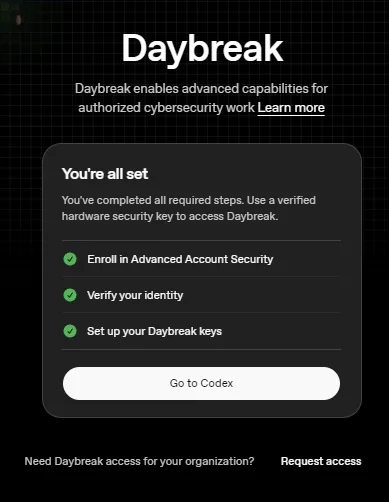
ChatGPT Daybreak’s completion screen shows all required onboarding steps finished.
The screenshot shows completed setup, though it does not identify the authenticator used.
If Daybreak accepts your IDmelon key, test authentication and your recovery options before relying on it. You can then use your paired Android phone or iPhone for security-key authentication and avoid the cost of a separate €40 YubiKey.